
Everything your agency needs
From first enquiry to final invoice — Sparky Expenses runs the whole trip.
Expense Tracking
Expenses
Log an expense with category, amount, and an optional receipt — works for a solo Lite user just as well as a full team.
Learn more ›
The same table serves two personas by design: a solo user logs an expense once, done — a team submits, a manager approves or rejects, and it moves to reimbursed. No separate mode to configure, the workflow just adapts to whether there's anyone to approve to.
Approval Workflow
Submit → approve/reject → reimburse, with a rejection note when something needs fixing.
Plus and Max
Departments & Budgets
Group expenses by department with a monthly budget cap.
Max plan
Clients
Tag an expense as billable to a client — free on every plan, including solo Lite.
Receipt Storage
Attach a receipt to any expense, capped by the storage in your plan.
Lite 200 · Plus 2000 · Max 20000
AI
AI Spending Insights
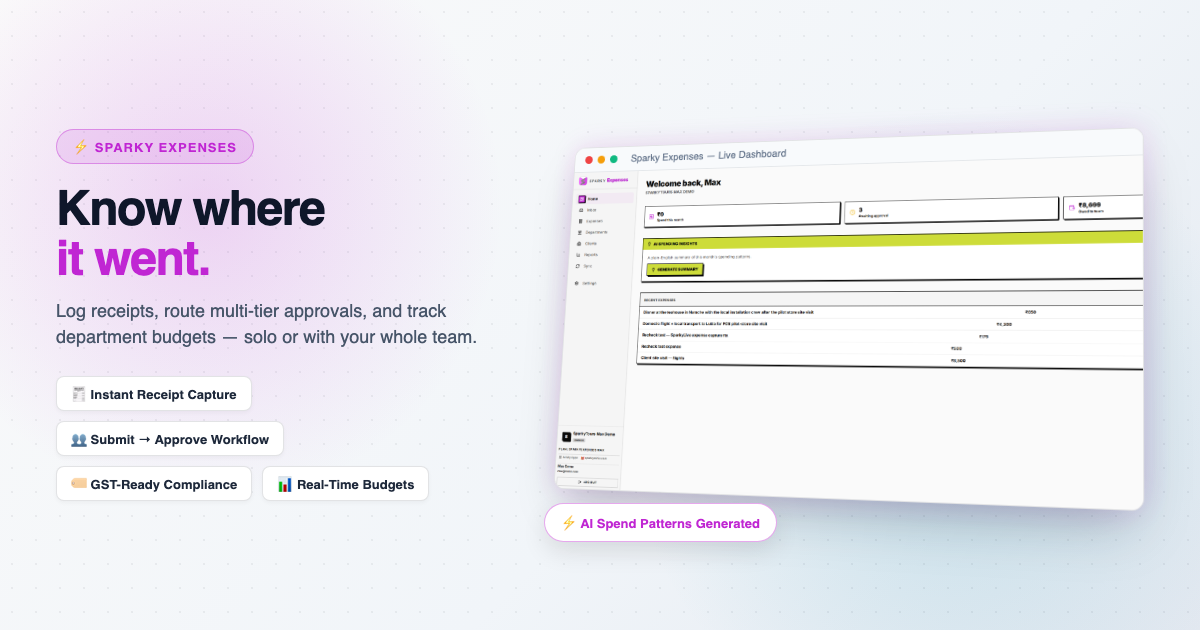
A plain-English summary of this month's spending patterns and how they compare to last month.
Plus and Max
SparkyIQ
A conversational assistant that can answer questions about your own data — coming soon.
Platform
Sync & Cross-Product Billing
Pull a baseline of clients from Sparky Contacts, and any billable expense flows straight into Sparky Invoices as a ready-made line item.
Every plan
Learn more ›
A billable expense pulled into an invoice is marked billed at the source the moment it lands, so it can never be billed twice.
Reports
Spend by category, department, and client.
Max plan
Team & Roles
Invite teammates and assign roles.
Lite 1 · Plus 5 · Max 25
Inbox
Every conversation — contact and support forms — arrives as a ticket you can reply to, right inside the app.
Multi-Currency
Log expenses in whatever currency they were spent in — reports still roll everything up to your organization's base currency.
Everything, by plan
13 capabilities. 6 on every plan, even the free one.
Paid plans add more and raise the limits. Nothing here is a demo: it is the list our plans are built from.
- Billable Expenses
Tag an expense as billable to a client and pull it into an invoice.
- Built-in Inbox
Contact and support messages arrive as tickets you can reply to inside the app.
- Manage Clients
Lightweight client directory for the billable-expense hook. Free on every tier, including solo Lite.
- Manage Expenses
Log, edit and categorize expenses, with receipt capture.
- Multi-Currency Expenses
Log expenses in the currency they were spent in; reports roll up to your base currency.
- Sync Clients from Other Products
Pull a baseline of clients from another Sparky product (e.g. SparkyContacts). Free on every plan.
- AI Spending Insights Plus and Max
A plain-English monthly summary of your spending patterns.
- Approval Workflow Plus and Max
Submit → approve/reject → reimburse lifecycle. On Lite, an expense is just logged directly (no one to approve to).
- Multi-Department Budgets Max plan
Group expenses under departments with a monthly budget cap and alerts.
- Manage Team Plus and Max
Invite teammates and give them roles. Lite is solo, with one seat.
- Reports Max plan
Spend by category/department, budget utilization, reimbursement turnaround.
- Max Seats Lite 1 · Plus 5 · Max 25
Maximum active org members. Lite is solo (1) — same shape as SparkyTours'/SparkyProjects' Lite.
- Max Receipt Storage (MB) Lite 200 · Plus 2000 · Max 20000
Total receipt-photo storage across all expenses.